📚 Library
The Library View is where you manage all your saved sheets.
Features
- View all sheets in one place
- Export and import to/from file(s)
- Rename, duplicate, or delete existing sheets
- Sync sheets with the server using the corresponding button for each sheet
- Open sheets in editor (manual or recording mode)
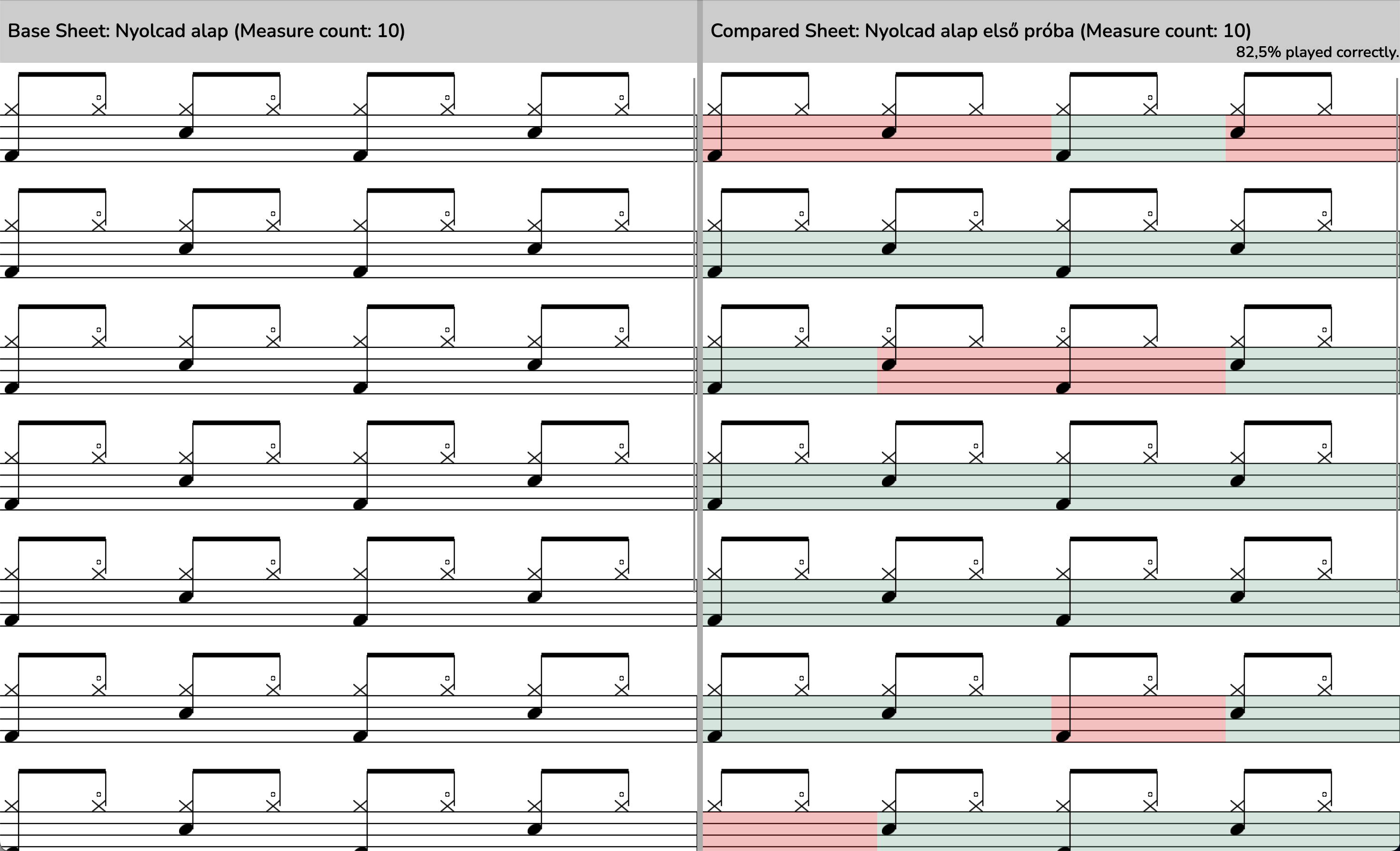
Comparing Sheets
Compare two sheets side-by-side by pressing the Compare button on a sheet: - The selected list item is the base sheet (reference rhythm) - The other is your performance - DrumBuddy shows visual differences and a percentage score of accuracy
Exporting
You can export your sheets to many formats using DrumBuddy, either singular files, or in a batch. The following formats are supported currently: - Sheet file (own .dbsheet json format) - MIDI file - MusicXML file - PDF (in beta)