🎧 Recording
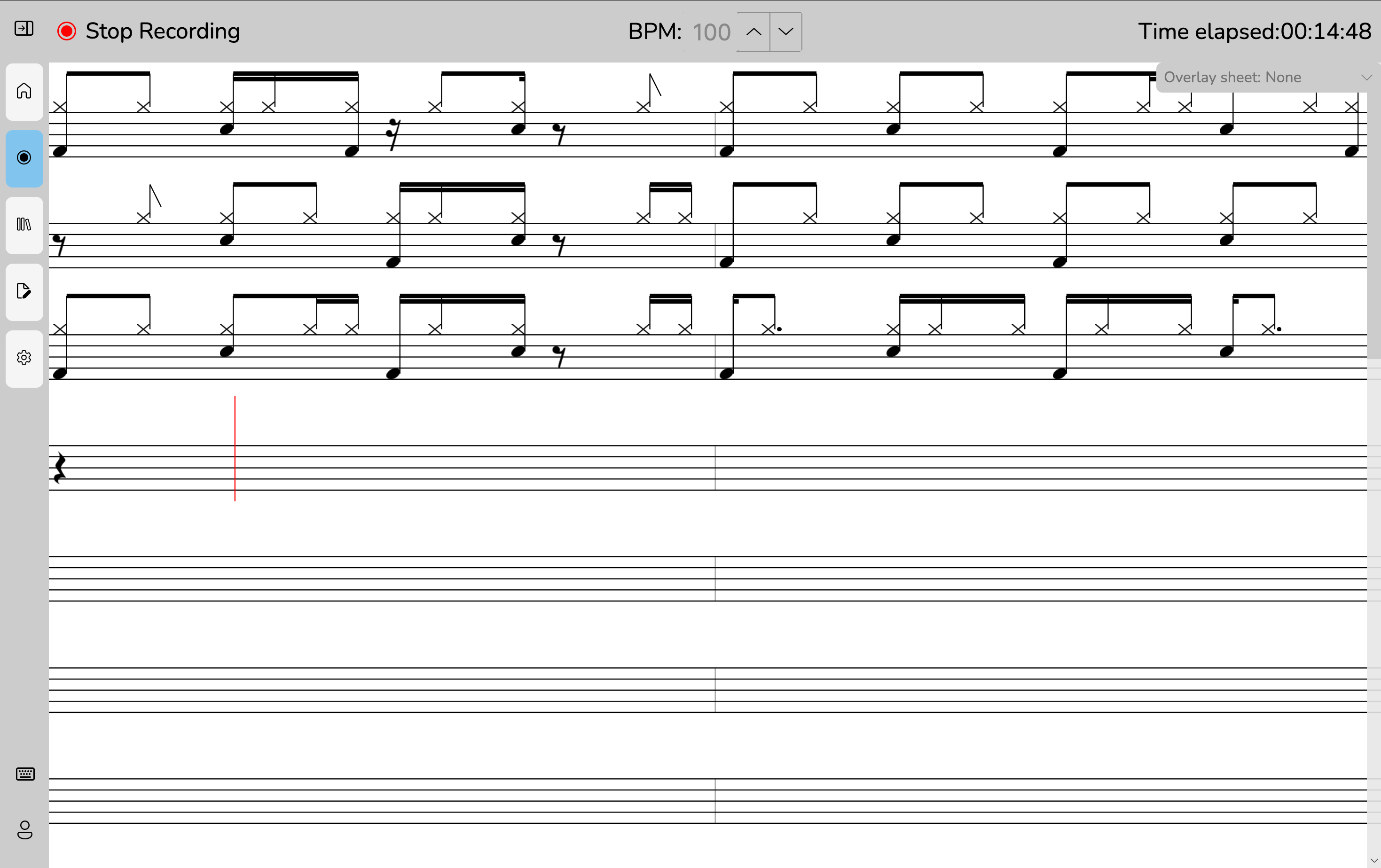
The Recording View allows you to record your drumming performance in real time.
It displays a moving pointer to indicate your position within the rhythmic grid.
How Recording Works
- Set your BPM (beats per minute).
- Start the recording.
- The app plays a short 4-beat countdown.
- Recording begins, and the pointer moves across the sheet.
- Your hits are captured as notes, organized by timing precision (16th note minimum).
- After each rythmic group, DrumBuddy updates the sheet with the new notes.
Real-time Feedback
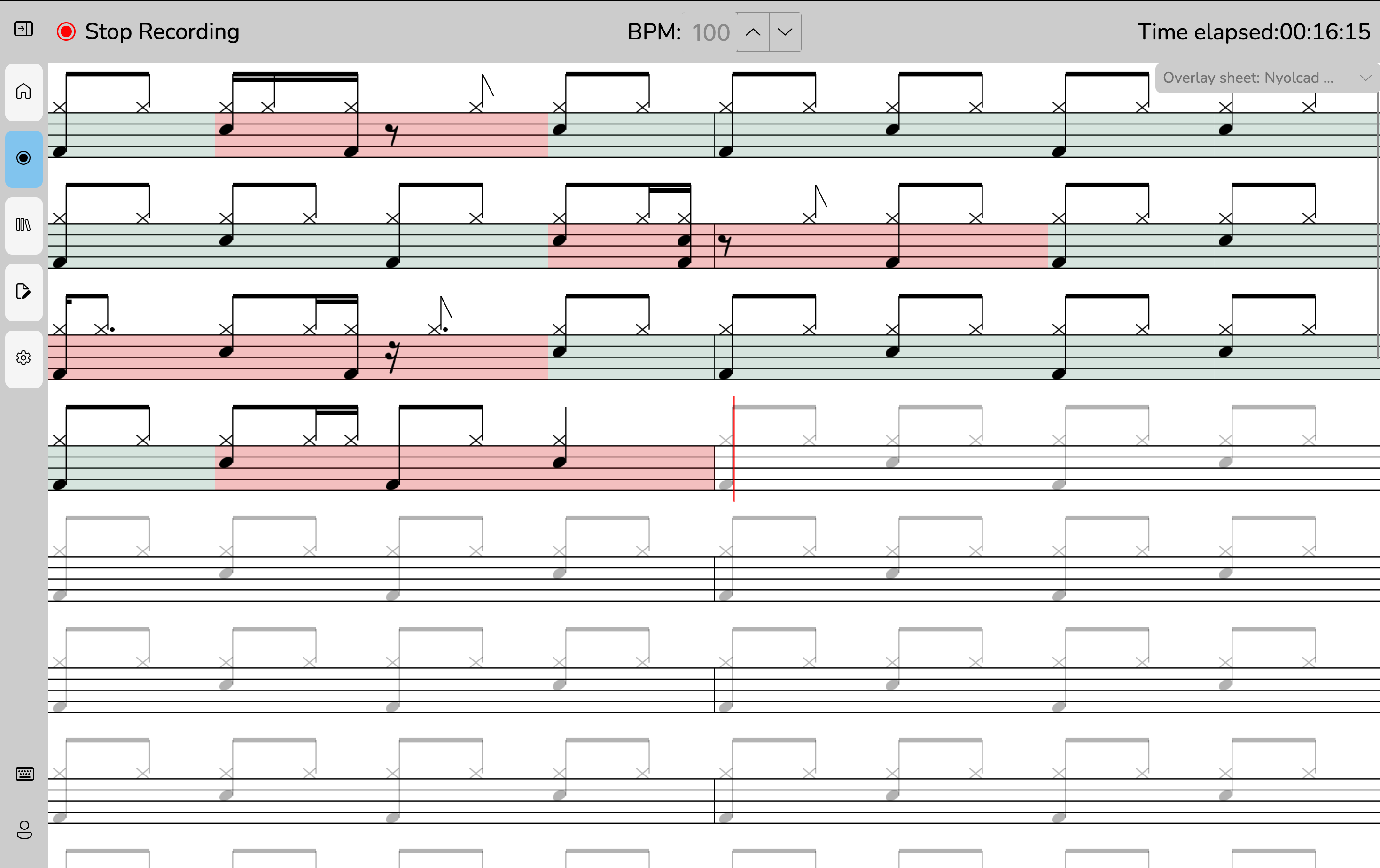
If you enable the overlay sheet, DrumBuddy shows your target rhythm while you play.
After each bar, it instantly evaluates your performance and highlights any timing mistakes.
Saving or Discarding
When finished:
- Press Stop Recording
- Choose to Save (store sheet) or Discard